






XK-W1088 W1099 LED Digital Heating Thermostat Temperature Meter Controller Thermometer 220V Aquarium Incubator Thermoregulator(W1088 DC 24V)
 5.0 (53 items)
 Limited Time Sale
$23.93 cheaper than the new price!!
Free cash-on-delivery fees for purchases over $99
Product details
| Management number | 210542912 | Release Date | 2026/04/02 | List Price | $15.95 | Model Number | 210542912 | ||
|---|---|---|---|---|---|---|---|---|---|
| Category | |||||||||
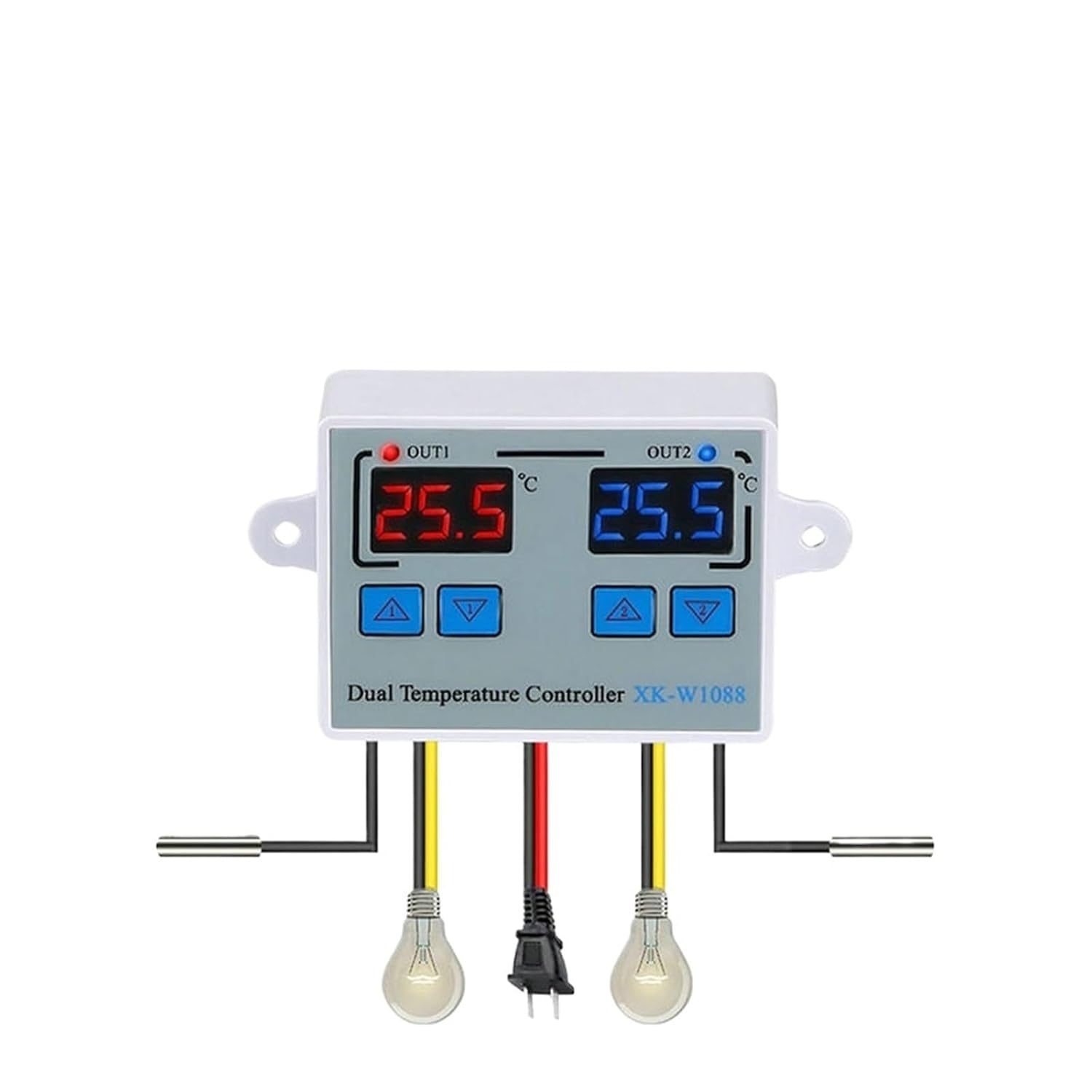
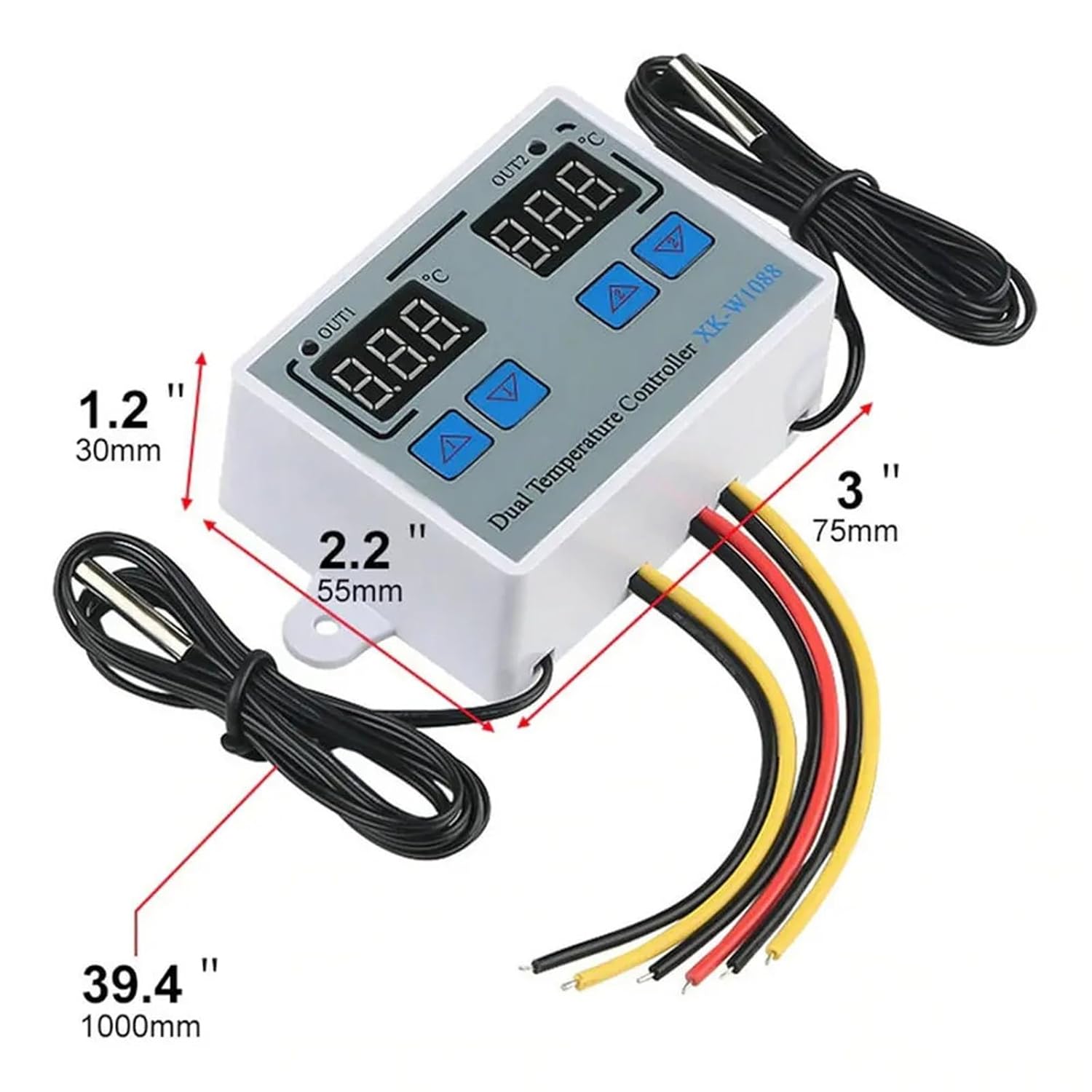
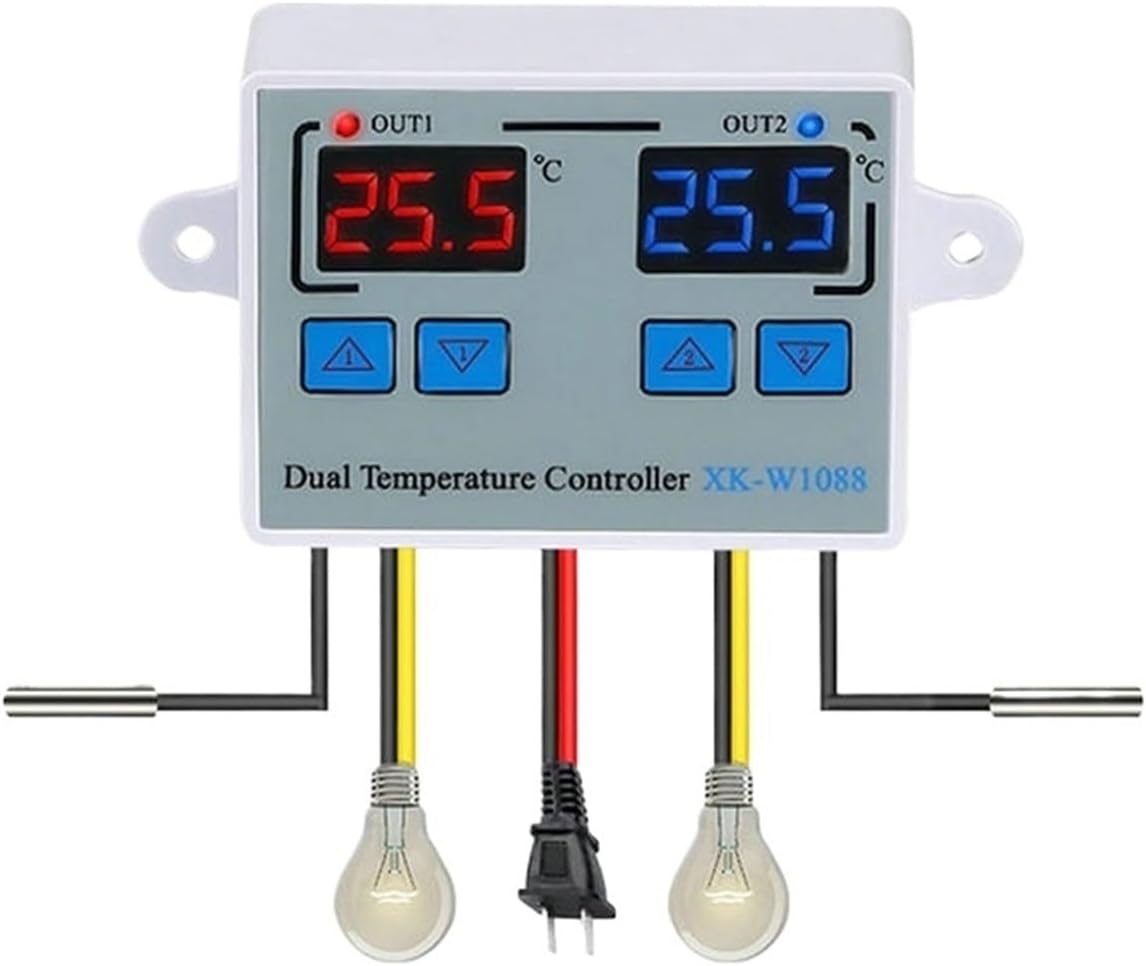
AmmetersXK-W1088Features:Heating or cooling controlRed and blue dual led displayIndependent Dual-way temperature controllerTemperature display resolution 0.1Directly power outputSupport high(low) temperature alarm and support for power loss (the parameters of the sudden power failure are still valid)Application range is like home temperature control, farm, various cold storage, greenhouse, aquarium, etc.Specifications:Display Type: DigitalShell Material: ABS + PCBTemperature Sensor: NTC 10KSenor Length: 1mTemperature Measuring Range: -55 ° C ~ 120 ° CResolution: 0.1 ° CAccuracy: ±1° CPower Supply: 110-220VAC 50/60Hz, 12V DC , 24V DCRelay Contact Capacity: Two Relay Max 10A Output Type: Direct OutputSize: 72*56*31mm Packing List:1 x Temperature Controller2 x Waterproof SensorNote:1. 12V/24VDC W1088 can use the or 12V/24V DC Power Supply.2. W1088 is Direct Output: The output and input voltage are synchronized.When the temperature controller is working ( the indicator light is on), the output voltage is the same as input voltage;When the temperature controller is off (the indicator light is off), the output will do not have voltage.NO.1 Work Signal NO.1 Measured Temperature NO.1 Start Temperature SetNO.1 Stop Temperature SetNO.2 Work Signal NO.2 Measured Temperature NO.2 Stop Temperature SetNO.2 Start Temperature SetItem NO. instruction:A. Set The Starting Temperature:Press the UP button once to display the starting temperature. Long press the UP button for about 3 seconds,The required temperature can be set by the UP and DOWN buttons.B. Set Stop Temperature:Press the DOWN button once to display the stop temperature. Long press the button for about 3 seconds and the stop temperature number flashes. The required temperature can be set by the UP and DOWN buttons.C.Press UP button and Up button at the same time to setting mode:Press UP and UP buttons for 3 seconds at the same time to enter the setting mode, display P0, the first group temperature delay, press UP and DOWN to adjust, 0~60 minutes, default 0, after adjustment, press UP since P1, the second group temperature delay, press UP and DOWN to adjust, 0~60 minutes, default 0. After adjustment, press UP since P2, high temperature alarm function, default 120 , press UP and DOWN to adjust. Press UP to enter P3, low temperature Alarm, default -55, press UP and DOWN to adjust, wait for the second to automatically exit. Press DOWN and DOWN 3 seconds to reset to settings.Menu InstructionCodeFunctionSet RangeDefaultP0: Delay start0-60 minutes0 P1: Delay start0-60 minutes0 P2High temperature alarmP3~120°C120°CP3Low temperature alarmP2~-55°C-55°CD. Reset Settings:When the power is on, press the DOWN and DOWN buttons at the same time for 3 seconds. The reading shows 888, and then the controller automatically jumps to the detected temperature.E. Temperature Correction:Press UP and Down at the same times for 3 seconds to display 0.0, and then set the value by pressing the Up and Down buttons. Positive Value = Measured Value +Corrected Value( NO.2 temperature correction is the same method, press UP and Down buttons )F. Heating Cooling Method: MethodHeating Mode<; Stop temperatureProgram automatically determines the working mode is heading modeCooling ModeStart temperature > Stop temperatureProgram automatically determines the working mode is cooling modeXK-W1099Feature:Be able to control temperature and humidity at the same time.Be able to connect with humidifier and dehumidifier equipment at the same time.Be able to connect with refrigeration/ heating and humidifier/dehumidifier equipment at the same time.Heating/Cooling function could be set separately for refrigeration and heating to protect temperature controller from violent change.Same as humidity Control.Supporting Temp and Humidity CalibrationBe able to display measured temperature/humidity and set temp/humidity at the same timeSpecification:Model: XK-W1099Input voltage: AC110~220V± 10%, DC24V, DC12VMeasuring temperature range: 0°C-+100°CMeasuring humidity range: 00%RH-+100%RHAccuracy: ±1°, 0.1%RHRelay output contact capacity: 10A Direct OutputShell material: PC + ABS fireproofSensor length: 1m-------------Set startup temperature(hunidity):Press the "up" button once to display the starting temperature(humidity). Long press the "up" button for about 3 seconds,The required temperature(humidity) can be set by the up and down keysSet the stop temperature(hunidity):Press the "down"button once to display the stop temperature(humidity). Long press the button for about 3 seconds and the stop temperature(humidity) number flashes. The required temperature(humidity) can be set by the up and down keystemperature(hunidity)correction:Press"up" and "down button at the same time.How to reset the product:Press "down 1" and "down 2" for 3 seconds.Package includes:1 X Temperature Humidity Controller
- Ammeters
- XK-W1088 W1099 LED Digital Heating Thermostat Temperature Meter Controller Thermometer 220V Aquarium Incubator Thermoregulator
| Color | W1088 DC 24V |
|---|---|
| Model | YLXFIMFR |
| Brand Name | YLXFIMFR |
| Part Number | YLXFIMFR |
| Manufacturer | YLXFIMFR |
Bestseller ranking
Fire Pits


Customers who viewed this product also viewed
Aquarium Thermometers




Correction of product information
If you notice any omissions or errors in the product information on this page, please use the correction request form below.
Correction Request Form